



Simple Ways To Make Your Phone Faster
 ||
||About the Author
Devin Sparks is one of our contributing writers, focusing on tech and gadgets. He believes technology should make life easier — not more complicated. Devin grew up taking things apart just to see how they worked, from old radios to his first computer. That curiosity turned into a lifelong interest in practical tech—tools and gadgets that actually improve everyday life.
He has been testing devices, apps, and smart tools — from productivity gear and home tech to new electronics and problem-solving gadgets. He focuses on tech that real people use, not just what’s trending.
Devin isn’t a corporate engineer or a hype-driven reviewer — he’s a practical thinker who cares about function over flash. Whether he’s breaking down how a gadget works, comparing products, or sharing simple tech tips, his goal is always the same: make technology useful, affordable, and easy to understand.
He believes innovation doesn’t come from buying the latest thing—it comes from finding smarter ways to live.
Last Update
Updated on Jun 3, 2026
Related articles
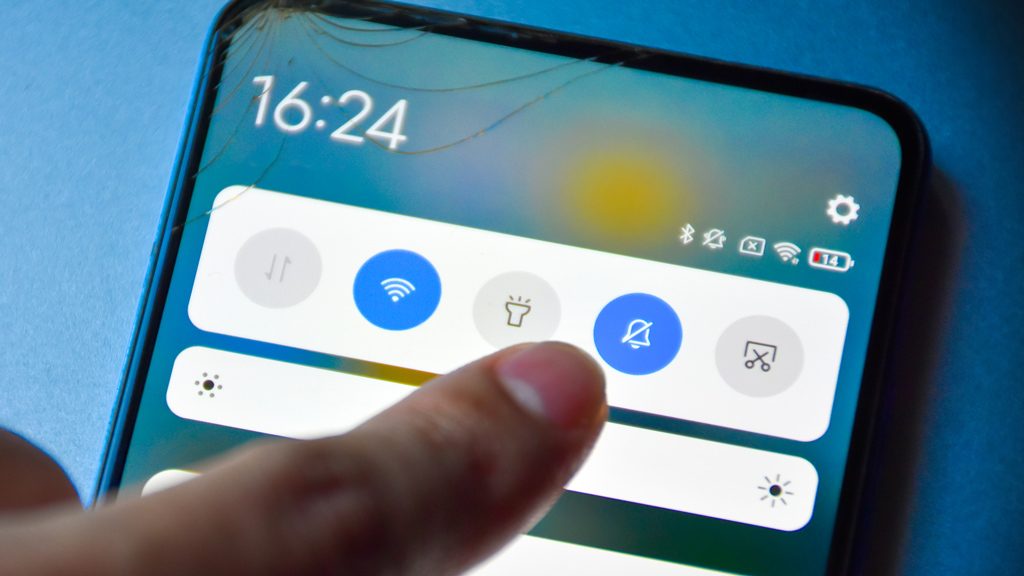
Is your phone feeling slow or laggy? Over time, even the fastest smartphones can start to lose their speed and responsiveness. But before you consider upgrading to a new device, there are several simple and effective steps you can take to make your phone faster and improve its overall performance. These tips work for both Android and iOS devices and can help you get the most out of your current phone.
Clear Out Unnecessary Apps and Files
One of the biggest culprits behind a slow phone is clutter. Apps you rarely use, old photos, videos, and cached data can take up valuable storage space and slow down your device. Regularly review your installed apps and uninstall those you don’t need. Use built-in tools or third-party apps to clear cache and temporary files, freeing up memory and improving speed.
Limit Background Processes
Many apps continue running in the background, consuming resources and battery life. Disable or restrict background activity for apps that don’t need to be constantly active, such as social media or games. On iPhones, this can be managed through Settings > General > Background App Refresh. On Android, you can restrict background data and optimize battery usage in the settings menu.


Update Your Software Regularly
Software updates are not just about new features—they often include important performance improvements and bug fixes. Keeping your phone’s operating system and apps up to date helps ensure smoother operation and can fix issues that cause sluggishness or crashes. Enable automatic updates or check periodically to stay current.
Restart Your Phone Periodically
Restarting your phone might seem simple, but it’s surprisingly effective. A reboot clears temporary files, resets processes, and can fix minor glitches that slow down your device. Make it a habit to restart your phone at least once a week for optimal performance.
Reduce Animations and Visual Effects
Fancy animations and visual effects can look great but might strain your phone’s processor, especially on older devices. Both Android and iOS offer options to reduce or disable these effects, which can speed up navigation and app launches. On iPhones, you can enable "Reduce Motion" in Accessibility settings. Android users can adjust animation scales in Developer Options.
Manage Your Storage Wisely
Phones need some free storage space to operate efficiently. When storage nears capacity, performance can degrade significantly. Back up photos and videos to cloud services or external drives, and delete files you no longer need. Consider moving large media files off your device to keep storage usage low.

The Bottom Line
By following these simple tips, you can breathe new life into a slow phone without spending a dime. Regular maintenance, managing apps and storage, and keeping your software up to date are key to maintaining speed and responsiveness. Taking these steps ensures your phone runs smoothly and stays reliable for everyday use.
Enjoyed this? Share it!
Share your reaction!